
The whole household, in one calm place.
Recipes, the week’s meals, the shopping list and the to-dos, shared with everyone you live with.
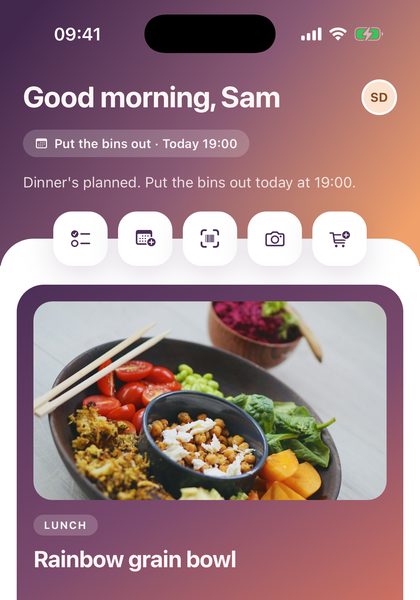
Shared with everyone at home
Invite the people you live with. Everyone sees the same plans, lists and recipes, live.
Works without internet
Everything you’ve opened is still there offline. Changes are saved and sent when you’re back online.
No password to remember
Sign in with Apple, with Google, or with a code we email you.
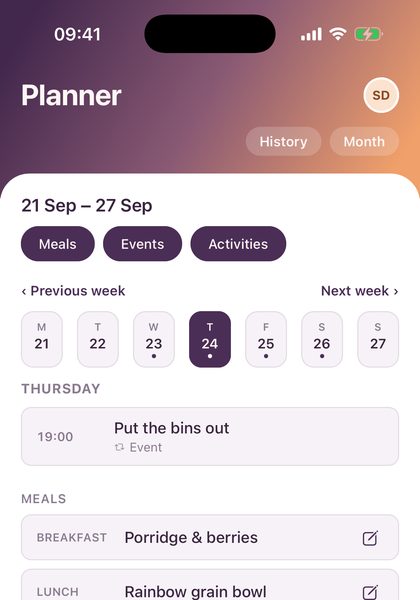
The week, sorted.
Meals, activities and birthdays on one calendar, one week at a time. Say who each plan is for, repeat it weekly, and connect the calendars already on your phone.
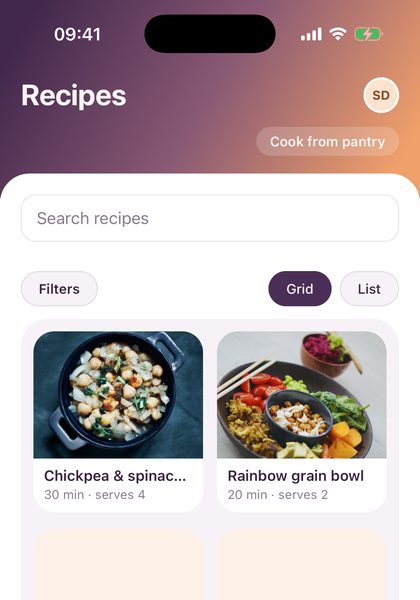
Your own cookbook.
Paste a link from any recipe website and it fills itself in. Change the servings, add a note like “less chilli next time”, and cook step by step with the screen kept awake.
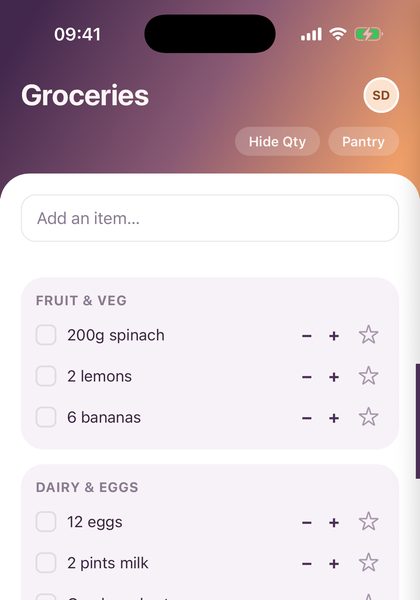
One list for the shop.
Type an item and it files itself under the right aisle. Tick things off as you shop and everyone’s phone updates straight away. The Pantry tracks what’s at home, and scans barcodes so you don’t have to type.
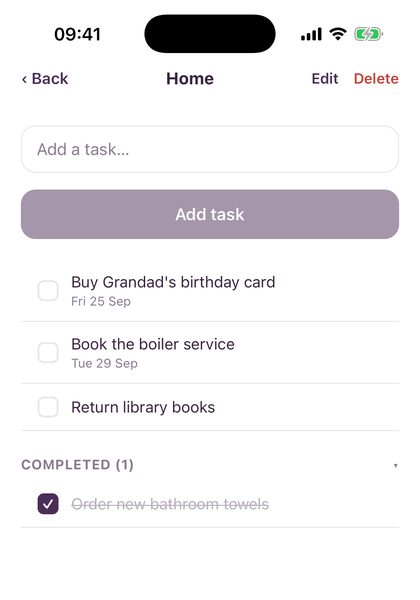
Jobs, big and small.
Lists for Home, School, whatever you need. Share one with the household or keep it just for you, with due dates and gentle reminders.
One household, one shared view.
Create your household, send your partner or family an invite code, and you’re all looking at the same week. Nobody outside your household can see any of it.
- 1Create your household
- 2Share the invite code
- 3Plan, shop and tick things off together
Your household’s business stays yours.
- No ads, no selling your data. We use what you add to run the app, and nothing else.
- Hosted in London. Your data lives in the EU, with reputable, security-audited providers.
- Yours to take or delete. Export everything, or delete your account, right from Settings.
Questions, answered
Who can see what I add?
Everyone in your household sees and can change everything: recipes, plans, lists and to-dos. Nobody outside your household can see any of it.
How do I add my partner or family?
Go to Settings › Account & Household and create an invite. Send them the code. When they sign in, they choose "Have an invite code?" and enter it.
Do I need a password?
No. Sign in with Apple, with Google, or with a code we email you.
Does it work without internet?
Yes. You can see everything you've opened before, and changes you make offline are saved and sent as soon as you're back online.
How do I get my data out, or delete my account?
Both are in Settings › Data & privacy. Deleting is permanent, so export first if you might want a copy.
Something isn't working, or I've thought of something better
Go to Settings › Feedback, choose Bug report or Feature request, and tell us in a line or two. It comes straight to us and we read every one.
Can I get help if I cannot sign in?
Yes. That's the one thing you can't report from inside the app, so email support@peasofmind.co.uk and we'll sort it out. You'll find that address in the app too, under Settings › About & contact.

Peas of Mind is coming to the App Store.
Want to know when it’s ready, or have a question first? Say hello.
support@peasofmind.co.uk